


Liggo XAPK
VIRAL APPS SL
- Version
- 2.5.3
- Size
- 77.0 MB
- Android
- 8.0+
- Category
- Lifestyle
Screenshots
What's new
Version 2.5.3 is the newest build on APKBlade, updated 19 October 2026.
Liggo is your AI buddy that makes chatting on dating apps fun and easy! Get it for free on Android 8.0 or newer.
What is Liggo APK for Android?
Liggo APK is a fun and smart app designed for your Android device. Imagine having a little helper in your pocket that can make your conversations more interesting and exciting. That’s exactly what Liggo does! It’s like having a personal assistant that helps you chat better on dating and messaging apps.
Whether you’re trying to impress someone new or just want to keep the conversation going, Liggo is there to help. The app uses something called AI, which stands for Artificial Intelligence. This means it can think and learn like a human, making your chats sound natural and friendly.
How Does Liggo Work?
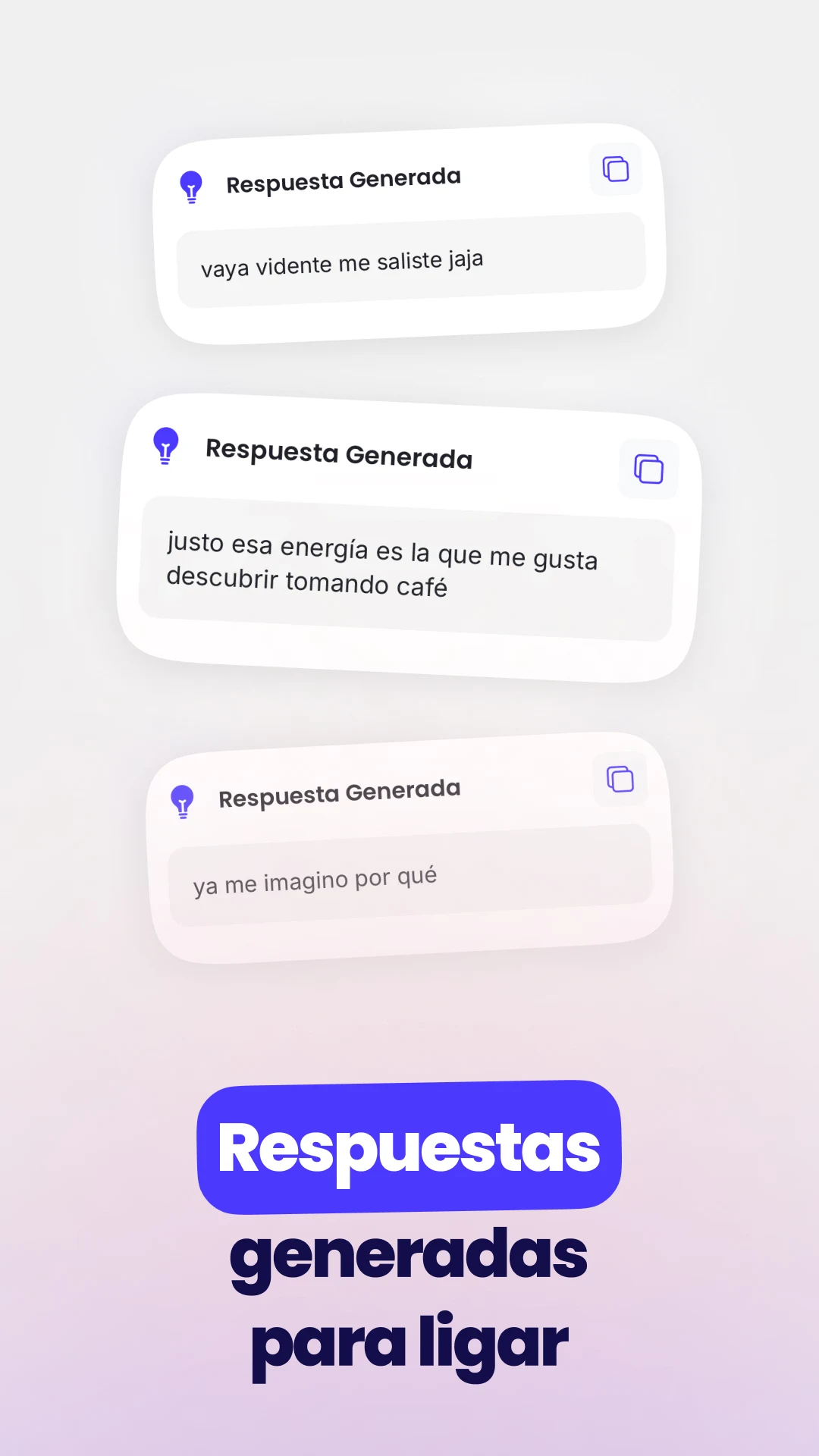
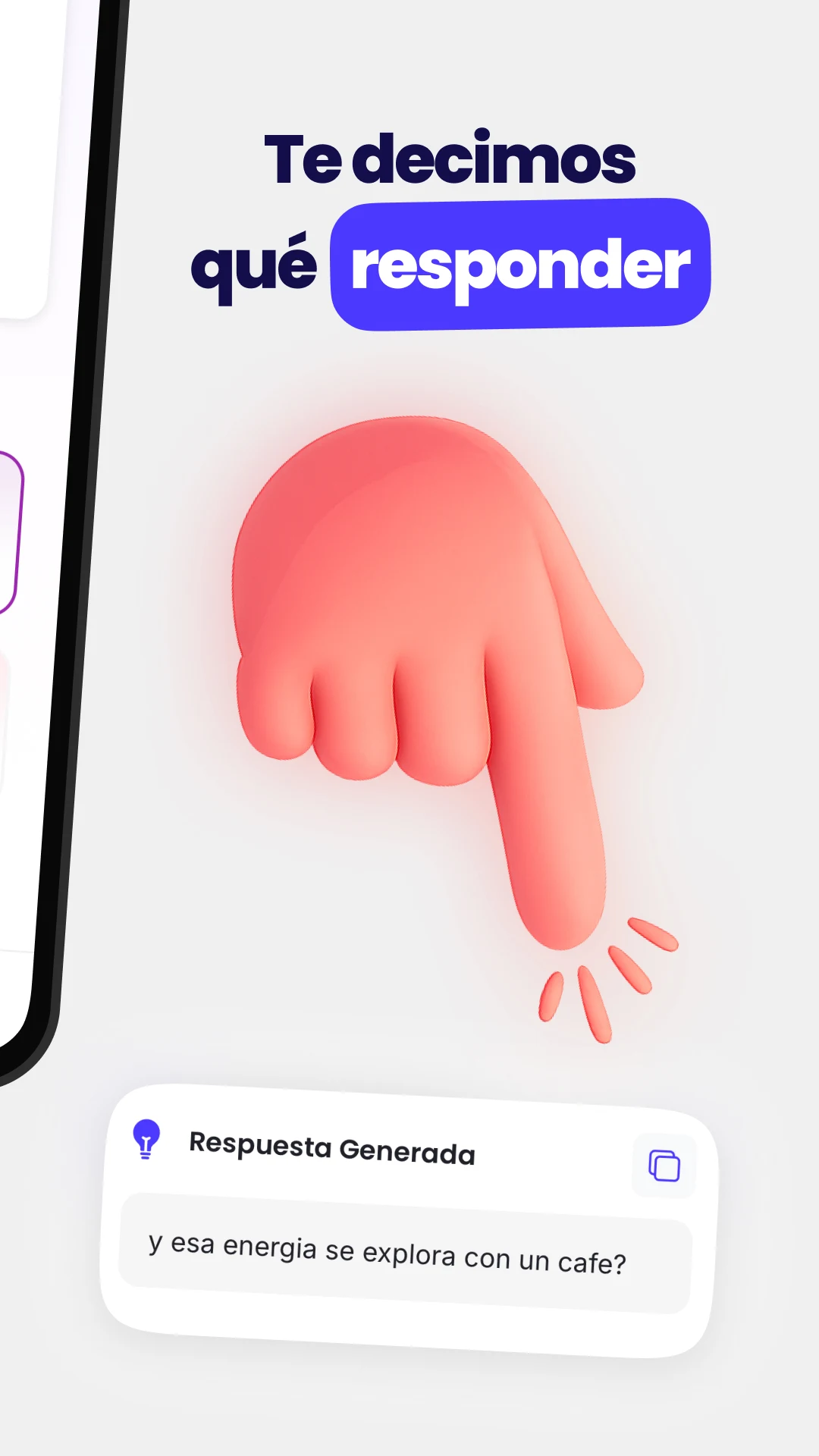
Liggo is super easy to use. Once you download and install the app on your Android phone or tablet, you can start using it right away. The app works by analyzing your conversations and then suggesting responses that are fun, flirty, and engaging.
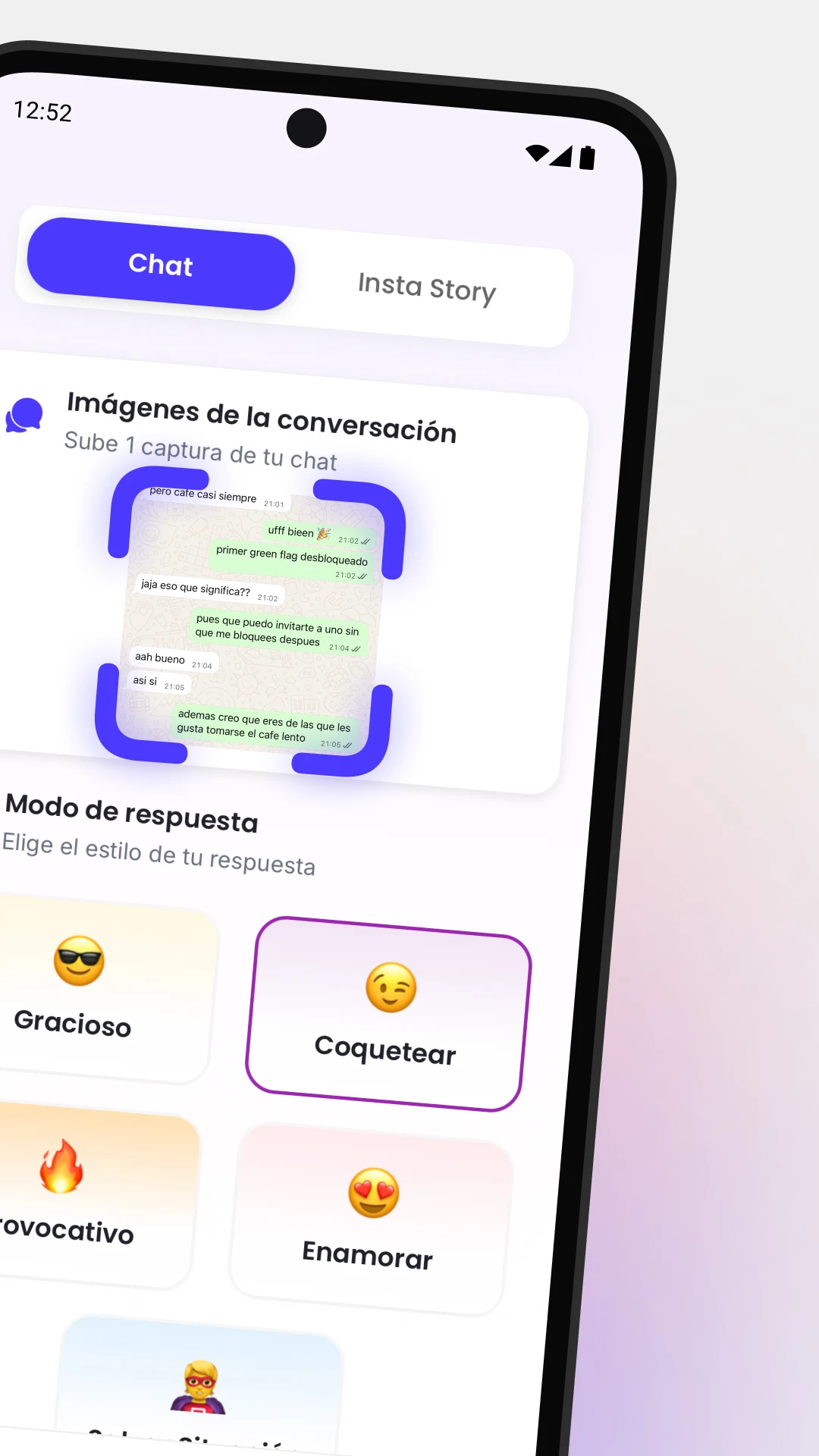
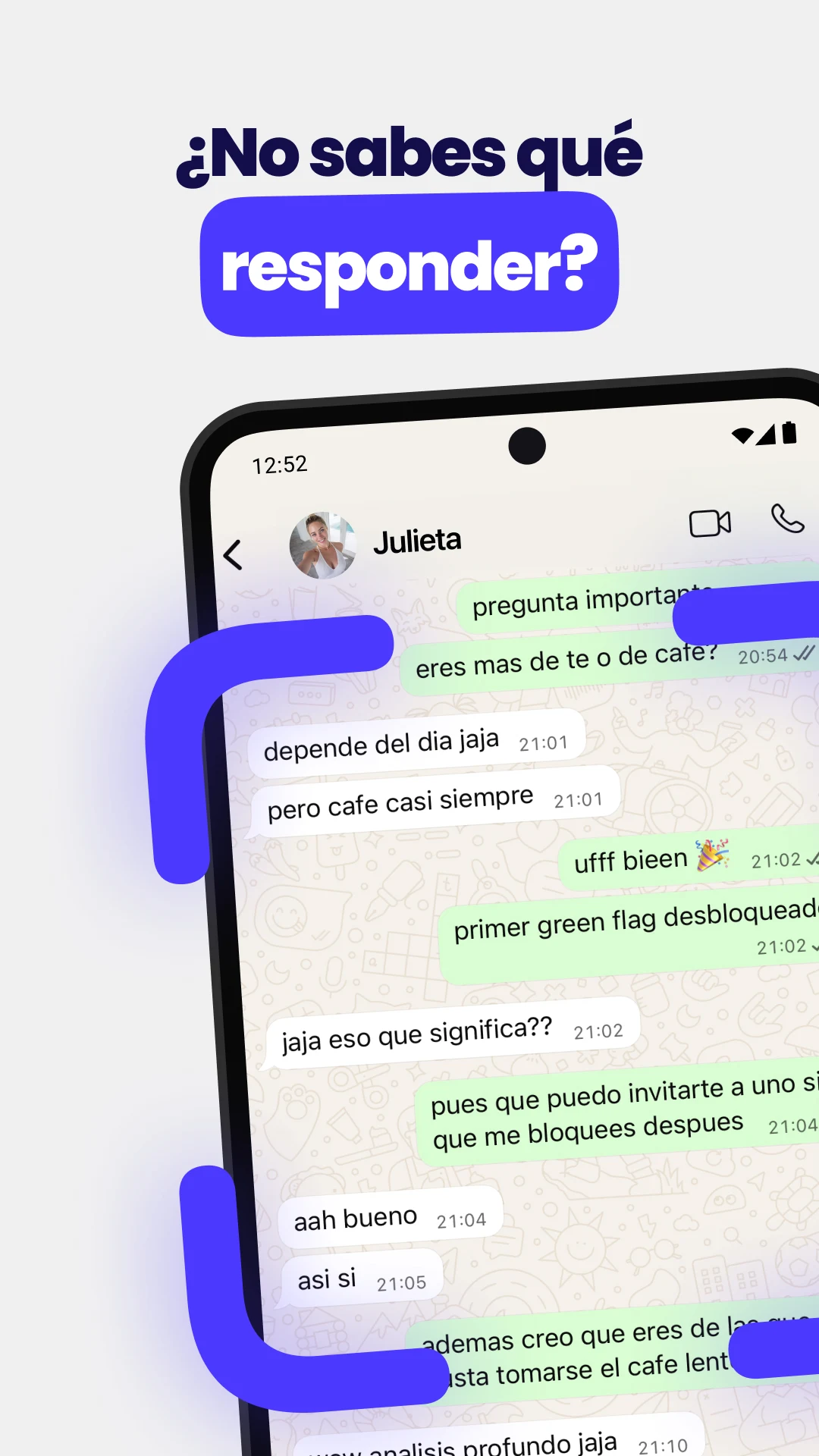
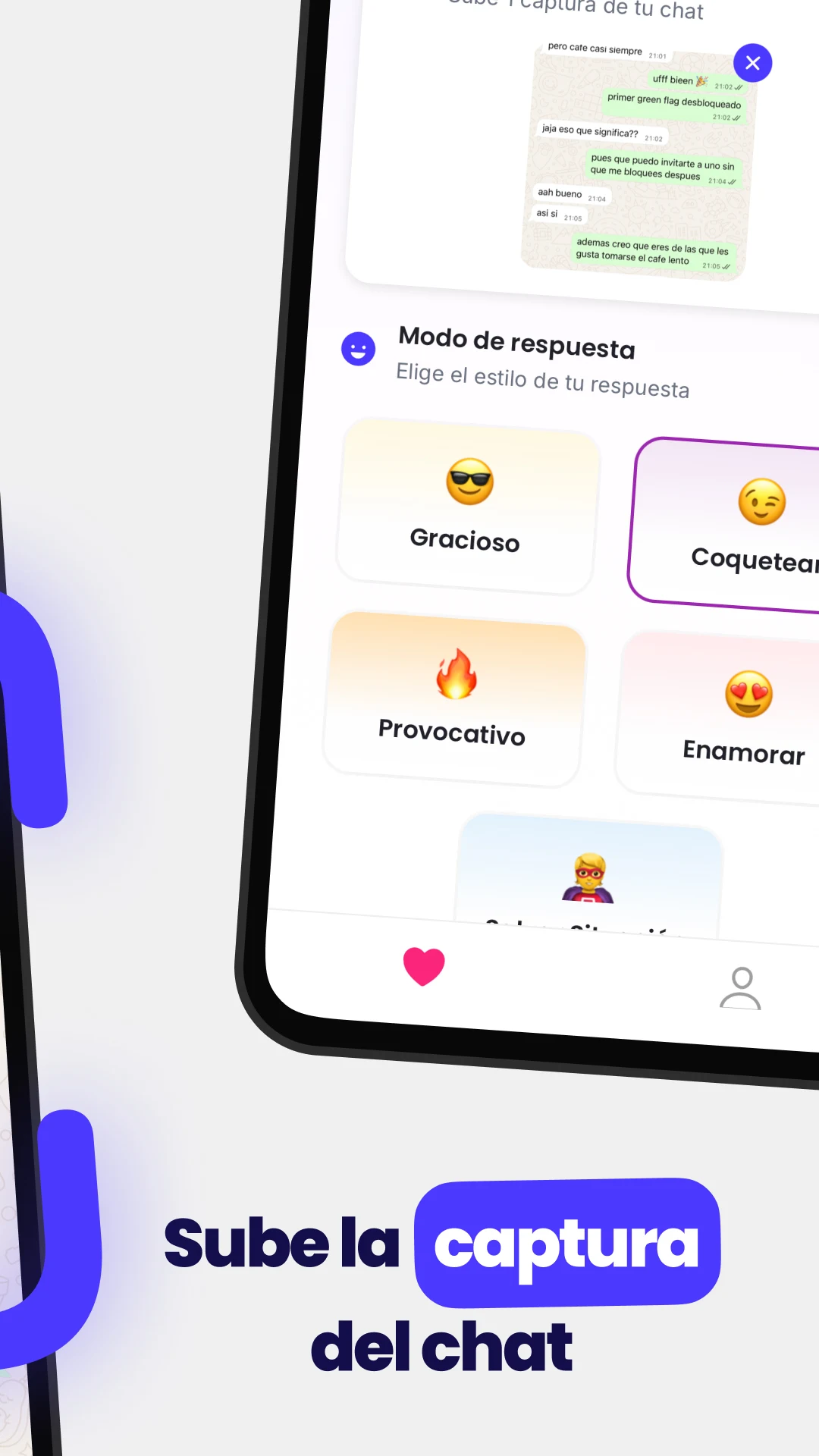
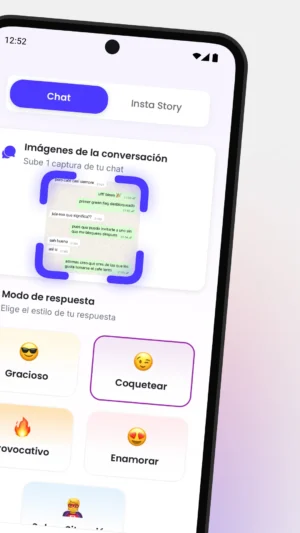
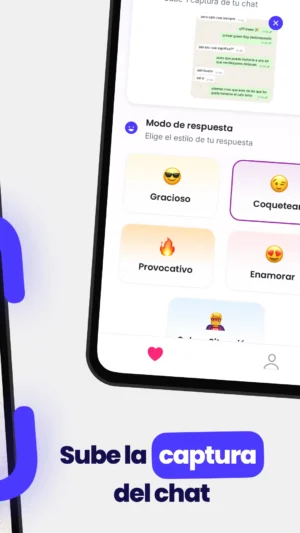
You can even upload screenshots of your chats, and Liggo will help you come up with the perfect reply. It’s like having a conversation coach who knows exactly what to say to keep things interesting. Plus, Liggo is always learning, so the more you use it, the better it gets at understanding your style and preferences.
Features of Liggo APK
Liggo comes packed with features that make it a must-have app for anyone who loves chatting online. Here are some of the cool things you can do with Liggo:
- AI-Powered Responses: Liggo uses advanced AI technology to generate smart and witty replies that match your conversation style.
- Easy to Use: The app is designed to be user-friendly, so you can start using it without any complicated setup.
- Customizable: You can adjust the settings to match your personality, ensuring that the responses sound just like you.
- Supports Multiple Languages: Whether you speak English, Spanish, or another language, Liggo can help you chat in your preferred language.
- Regular Updates: The app is regularly updated to ensure it stays fresh and up-to-date with the latest trends in chatting.
How to Download Liggo APK
Downloading Liggo APK is simple and straightforward. You don’t need to visit any other websites; you can get it right here. Follow these easy steps to download and install Liggo on your Android device:
- Check Your Device: Make sure your Android phone or tablet is running on Android 8.0 Oreo or above.
- Download the APK File: Click the download button at the top to get the Liggo APK file.
- Enable Unknown Sources: Go to your device settings, find the security settings, and enable “Unknown Sources” to allow the installation of apps from sources other than the Google Play Store.
- Install the APK: Open the downloaded APK file and follow the on-screen instructions to install Liggo on your device.
- Start Chatting: Once installed, open the app and start exploring all the fun features Liggo has to offer!
Why Use Liggo APK?
Using Liggo APK can make your online conversations more enjoyable and less stressful. Here are some reasons why you might want to give Liggo a try:
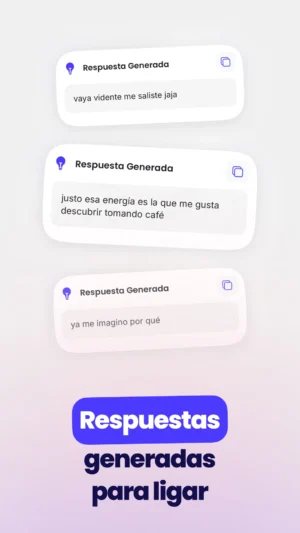
- Boost Your Confidence: With Liggo’s help, you’ll always know what to say, making you feel more confident in your conversations.
- Save Time: No more spending hours thinking about the perfect reply. Liggo does the hard work for you, so you can focus on having fun.
- Learn and Improve: As you use Liggo, you’ll start to learn new ways to communicate and express yourself, improving your overall chatting skills.
- Have Fun: Chatting is meant to be fun, and Liggo adds a playful twist to your conversations, making them more enjoyable for both you and the person you’re chatting with.
Tips for Using Liggo Effectively
To get the most out of Liggo, here are some tips to keep in mind:
- Be Yourself: While Liggo helps with responses, it’s important to stay true to your personality. Use the app as a guide, but make sure your unique voice shines through.
- Experiment: Try different settings and features to see what works best for you. The more you explore, the more you’ll discover about what makes your conversations special.
- Stay Updated: Keep an eye out for updates to the app. New features and improvements are added regularly, so make sure you’re always using the latest version.
- Practice Makes Perfect: The more you use Liggo, the better you’ll get at using it effectively. Practice with different types of conversations to see how Liggo can help in various situations.

Frequently Asked Questions
Is Liggo safe to use?
Yes, Liggo is safe to use. The app is designed with user privacy in mind, and it doesn’t store or share your personal information. You can use Liggo with confidence, knowing that your conversations are private and secure.
Can I use Liggo on multiple devices?
Liggo is designed for Android devices, so you can use it on any compatible Android phone or tablet. However, the app is linked to the device you install it on, so you’ll need to download and install it separately on each device you want to use.
Does Liggo work with all messaging apps?
Liggo is compatible with most popular messaging and dating apps. Whether you’re chatting on WhatsApp, Messenger, or a dating app, Liggo can help you craft the perfect response.
How often is Liggo updated?
Liggo is regularly updated to ensure it stays fresh and relevant. The developers are constantly working to improve the app and add new features, so you can expect updates every few months.
Conclusion
Liggo APK is a fantastic tool for anyone who loves chatting online. With its AI-powered responses and user-friendly design, Liggo makes it easy to have fun and engaging conversations.
Whether you’re new to online chatting or a seasoned pro, Liggo can help you take your conversations to the next level. So why wait? Download Liggo today and start chatting like a pro!
More About Liggo
| Name | Liggo |
|---|---|
| Package Name | com.cupidoai.liggo |
| Category | Lifestyle |
| Version | 2.5.3 |
| Size | 77.0 MB |
| Requires Android | 8.0 and up |
| Developer | VIRAL APPS SL |
| Last Updated | 19 October 2026 |
How to Install Liggo
- Tap the download button and let the file finish.
- Open the file from your notifications or the Downloads folder.
- If Android asks, allow your browser to install unknown apps.
- Tap Install, then open the app.
This download is a XAPK file. Follow the XAPK install guide.
FAQ'S
How to install Liggo .xapk?
Simply download this XAPK Installer from Play store - Download. Open the XAPK Installer app & follow on screen instructions to install the XAPK.
I am getting Play Protect warning while installing!
Some mod APK files might get a warning. You can ignore this warning and install the APK file. Follow these simple steps to turn off Play Protect: Open Google Play app > Click Profile Icon > Select Play Protect -> Setting > Turn off both "Scan apps with Play Protect" and "Improve harmful app detection" options.
How to update APK without losing the data?
To update APK without losing the data, you don't need to follow anything extra. Click on the downloaded APK file and click the "Install" button. The app will update automatically without loss of data.
How to fix problems while installing/opening?
Make sure you have downloaded the file correctly. The downloaded file extension must end with .apk file. If you face any package install error, redownloading the file may fix the issue.


















Ratings and reviews
There are no reviews yet. Be the first one to write one.